Adding Portfolio Links and Media
One of the best ways to bring your LinkedIn profile to life is by showcasing real examples of your work.
Through features like LinkedIn’s Featured and Projects sections, you can offer tangible proof of your skills and achievements.
Below, we’ll explore where and how to upload your portfolio content, as well as best practices for linking external resources such as personal websites or GitHub.
1. Where and How to Upload Portfolio Content in LinkedIn’s Featured and Projects Sections
1. The Featured Section
-
A prime spot at the top of your profile where you can highlight your most impressive work or achievements.
-
What to Include:
-
PDFs of case studies or design mockups
-
Links to articles you’ve written or major press features
-
Presentations or videos that demonstrate your expertise
-
-
How to Upload:
-
Go to Your Profile and click the “Add Profile Section” button.
-
Select Featured, then choose the media type you want to add (e.g., link, document, video).
-
Provide a concise title and description, focusing on key takeaways or results.
-
Save and reorder items so your most impactful work appears first.
-
2. The Projects Section
-
A dedicated place to list notable projects, including team collaborations, research work, or product launches.
-
What to Include:
-
Project name and brief description
-
Your specific contributions and role
-
Technologies, methods, or frameworks you used
-
-
How to Upload:
-
Click Add Profile Section, choose Accomplishments, then select Projects.
-
Fill in the project details, including any team members involved.
-
Include metrics and outcomes if possible (e.g., “Increased user retention by 20%”).
-
Provide a relevant external link if there’s a live version or published article about your project.
-
2. Best Practices for Linking External Resources
1. Personal Websites
-
Why Link It:
- Show off a custom portfolio or blog, giving visitors additional context about your work and personality.
-
Tips:
-
Add Context: In your Featured or Projects section, briefly explain what’s on your site and why it’s relevant.
-
Use a Professional URL: If possible, get a custom domain (e.g., yourname.com) to appear more polished.
-
Regularly Update: Keep your website current by adding new projects or blog posts, so employers see you as active and engaged.
-
2. GitHub or Other Code Repositories
-
Why Link It:
- Demonstrates your technical abilities, version control practices, and coding style—crucial for developers and data scientists.
-
Tips:
-
Select Key Repos: Choose a handful of your best or most representative projects rather than linking to everything you’ve ever created.
-
Provide Descriptions: In your LinkedIn sections, briefly describe each repo’s purpose, your role, and notable features.
-
Include a ReadMe: Make sure your GitHub repositories have informative ReadMe files so visitors can quickly understand the project.
-
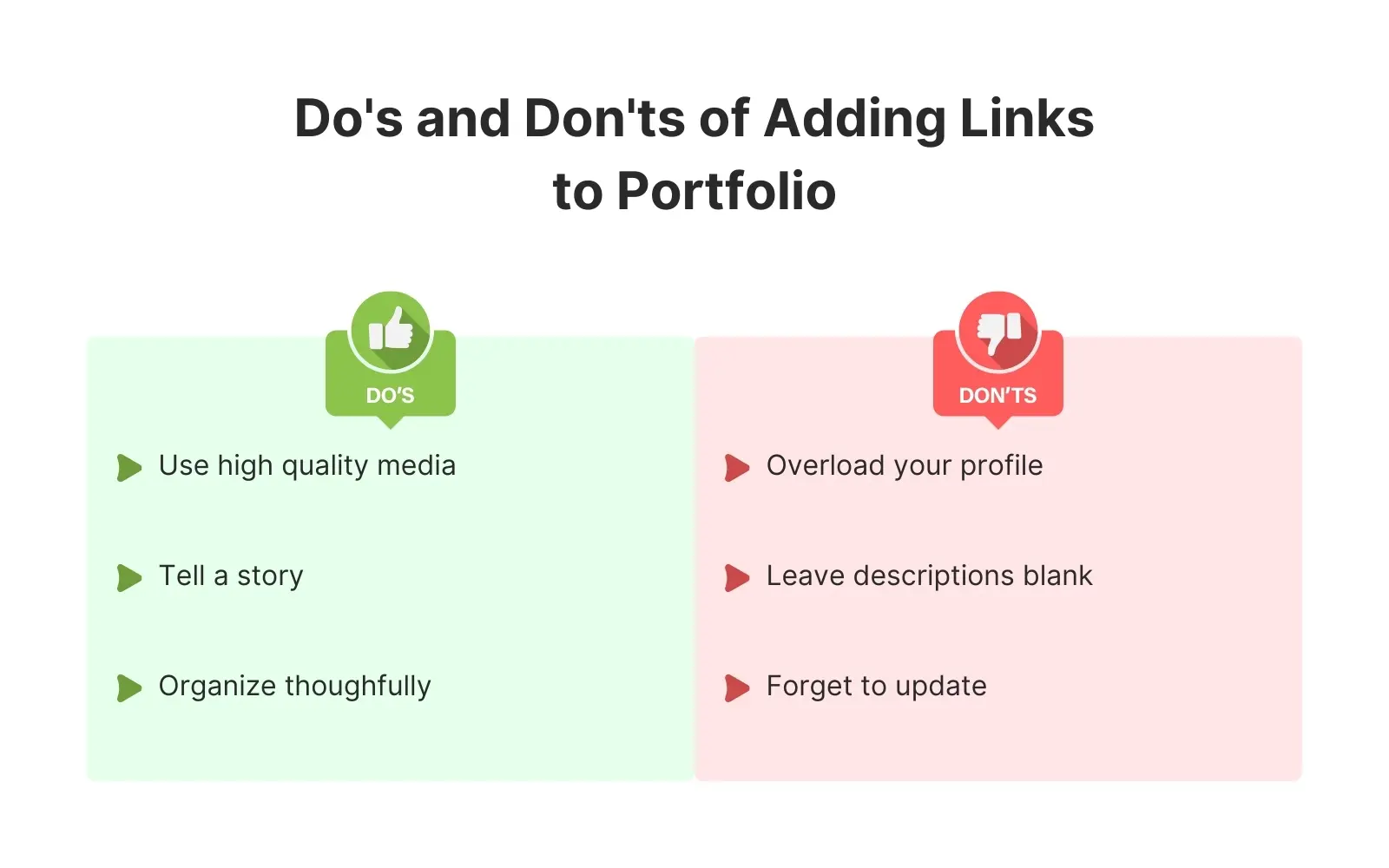
Quick Do’s and Don’ts
- Do:
-
Use High-Quality Media: Clear images, well-formatted PDFs, or properly functioning links.
-
Tell a Story: Highlight what challenge the project addressed and the impact you made.
-
Organize Thoughtfully: Place the most relevant work at the top of your Featured or Projects list.
-
- Don’t:
-
Overload Your Profile: Too many links can be overwhelming. Choose only your best or most relevant examples.
-
Leave Descriptions Blank: Always add a short summary or context so viewers know why the project matters.
-
Forget to Update: Remove outdated projects or replace them with fresh work as your portfolio evolves.
-
🤖 Don't fully get this? Learn it with Claude
Stuck on Adding Portfolio Links and Media? Open Claude, copy a block below, and it'll teach you this exact concept — visually and interactively.
Build the mental picture, not memorization.
I just read a lesson on **Adding Portfolio Links and Media** (Career & Job Search) and want to truly understand it. Explain Adding Portfolio Links and Media from first principles using ONE vivid real-world analogy and a visual mental model — draw it as ASCII art or a clear step-by-step diagram — with a concrete example using real numbers. Then ask me one question to check I got the mental picture, and wait for my reply. If you're unsure or a claim isn't standard, say so and reason from first principles instead of guessing.
Socratic — adapts to where you're stuck.
Teach me **Adding Portfolio Links and Media** interactively. Ask me ONE guiding question at a time, wait for my answer, and adapt to my confusion — build the idea with me step by step instead of explaining it all at once. If you're unsure or a claim isn't standard, say so and reason from first principles instead of guessing.
Active recall exposes what you missed.
Quiz me on **Adding Portfolio Links and Media** with 5 questions, easy to tricky, ONE at a time. Tell me if each answer is right; at the end, explain clearly what I got wrong and why. If you're unsure or a claim isn't standard, say so and reason from first principles instead of guessing.
Intuition + hook + flashcards for long-term memory.
Help me remember **Adding Portfolio Links and Media** for the long term: give the one-sentence intuition, a memorable hook/mnemonic, a tiny worked example, and 3 active-recall flashcards (Q -> A). If you're unsure or a claim isn't standard, say so and reason from first principles instead of guessing.